Stride
Click Create POV Walk, drop the End box where you want to go, and a camera walks there: footsteps, head bob, breathing, looking into turns, slowing on stairs. Add arms and hands and give them things to do, from a cigarette to a flashlight.
Active development. Stride is in active development. New walking styles, hand actions and props land often, so expect regular updates and tell us on GitHub what you'd like next.
Suggest a feature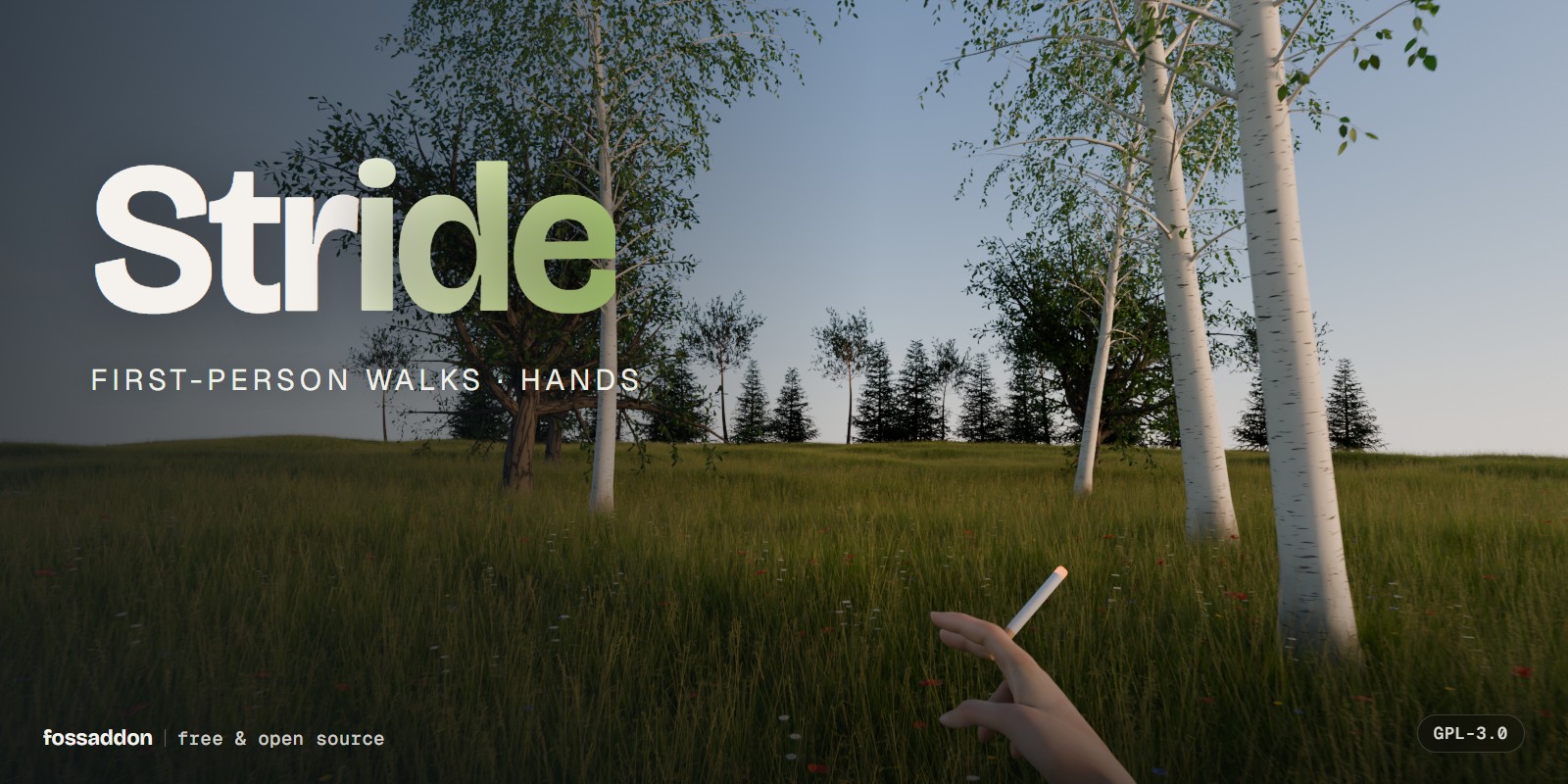
- Version
- 0.2.0
- Blender
- 5.0 or newer
- Engines
- Cycles & EEVEE
- License
- GPL-3.0
What it does
Walks that feel like walking
A smooth path through waypoints, a whole number of even steps, easing into every stop and slowing in tight turns, on stairs and slopes.
Any floor you like
Invisible floor planes, ready-made stairs, any mesh in the scene, or a grid dropped onto it. Footstep markers line up with sound.
A head, not a lens
Eyes lead into turns, the head pivots about the neck, watches its step on stairs and breathes while standing. Ten look moves, including Look At Object.
Arms and hands
Sculpted, textured arms in seven skin tones, nine sleeves and three builds, with a wristwatch. Two-bone IK keyed as plain bone rotations.
Things to do
Smoke a cigarette with a glowing ember, check a lit phone, sip coffee, light the way with a real spot light, wave, point or shield your eyes.
Plain keyframes
Everything is solved in Python and written as keys, so the walk renders without the add-on, shows in the Graph Editor and exports to game engines.
Give the hands something to do
Actions start on the current frame and last as long as you like. Each frame below is the POV camera, mid-walk, in Cycles.
Smoke a Cigarette Check Phone Sip Coffee Flashlight Wave Hello Look at Hands
One walk, frame by frame
Setting off, raising a cigarette, a drag, walking on. Sidebar (N) → POV: the path, footsteps and timing update live as you move the boxes.
Install in a minute
Download
Grab stride-0.2.0.zip from the Releases page. Keep it zipped.
Install from Disk
Edit → Preferences → Get Extensions, open the menu at the top right and choose Install from Disk.
Take a walk
Put the 3D cursor where the walk starts, then Sidebar (N) → POV → Create POV Walk. Move the red End box and scrub the timeline.
Needs Blender 5.0 or newer, tested on 5.2 LTS. Windows, macOS and Linux.
How it works
Solved in Python, written as plain keyframes. This is the whole pipeline.
Start box ─► waypoints (wait, speed) ─► End box
      │  path: a curve that never overshoots its points
      ▼
Floor raycast per step ─► footsteps · stair lift · speed profile ─► body
      │
Head: look-ahead · neck pivot · slope · handheld · breathing · look moves ─► POV camera keys
      │
Hands: action clips · two-bone IK · finger poses · sway ─► arm bone keys · props
Changelog
- v0.2.0
- New sculpted, textured arms and hands, tinted to every skin tone
- Sleeves bend with the arm and never show it through
- Phone, cup, bottle and flashlight grips refitted to the new hand
- v0.1.0
- First release: POV walks over invisible floors, stairs or any mesh
- Nine walking styles, head motion and ten look moves
- Thirteen hand actions with props
Known limitations
- An 18 mm lens is the default so hands are in view; longer lenses lose them.
- Live Update rewrites the keys; turn it off before editing them by hand.
- The arm mesh and skin texture are CC-BY-4.0 (“Rigged Arms” by mrgyarmati); credit them when you publish.
