Procedural Palette
Pick a style from a radial dial in the viewport, tweak a few sliders, add weathering, and bake to game-ready maps when you need them.
- Version
- 0.2.0
- Blender
- 4.2 or newer
- Engines
- Cycles & EEVEE
- License
- GPL-3.0
What it does
A dial right in the viewport
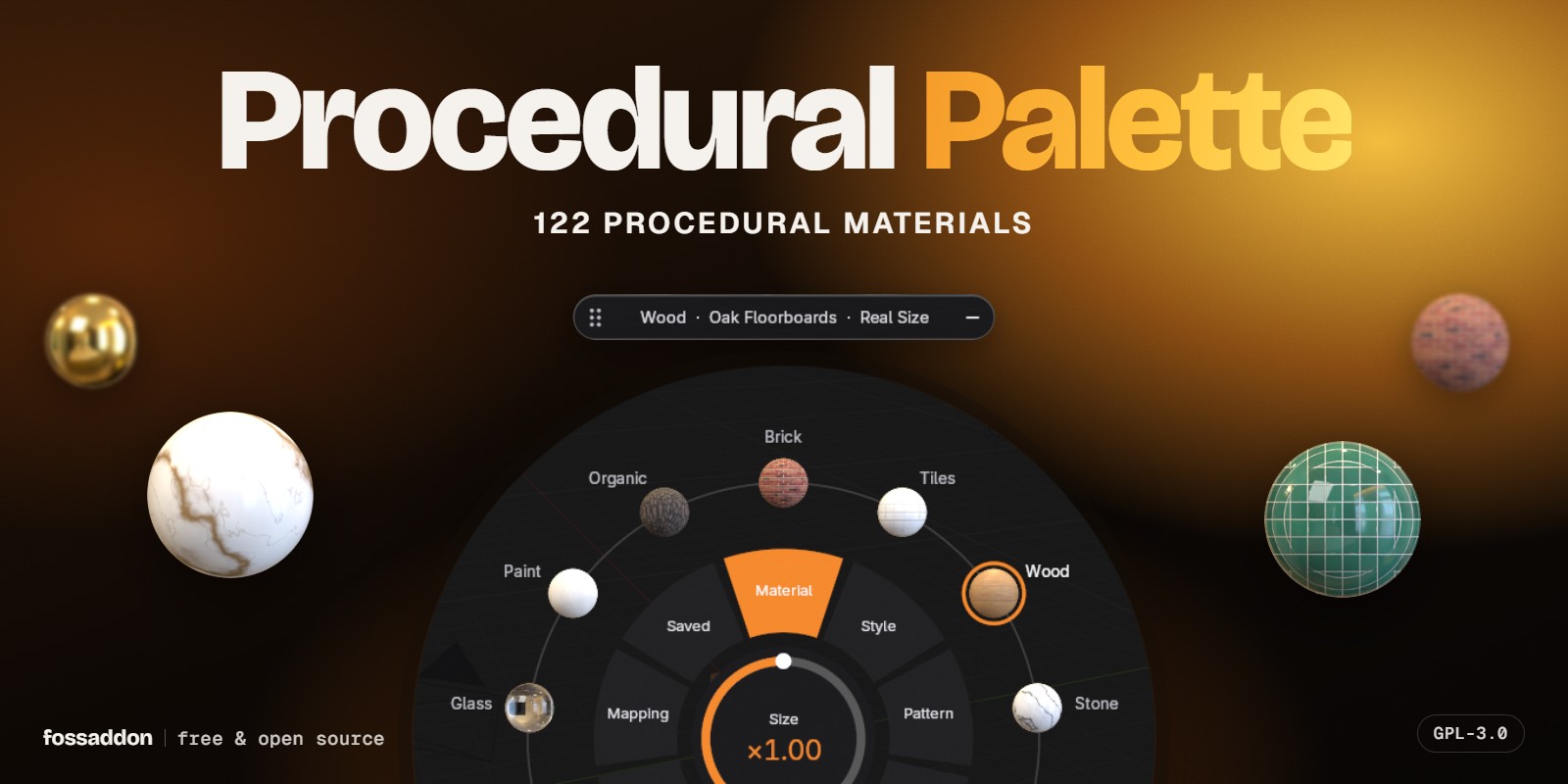
Shift+Alt+M opens a radial picker with thumbnail balls, a value knob and search-as-you-type.
122 one-click styles
Brick, tiles, wood, stone, metal, fabric, glass, ground and more, across 13 families.
Real-world scale
20 pattern generators sized in metres. A brick is a real 215 × 65 mm brick. No UVs needed.
Weathering where it belongs
Edge wear, rust, dirt in cavities, moss on top faces, dust, snow, wetness and puddles.
Real Depth
One toggle switches from bump to true displacement. Detail overlays add cracks, veins and pores.
Bake to textures
Base colour, roughness, metallic, normal, height, AO and an ORM pack, from 512 px to 8K.
Every style, one click away
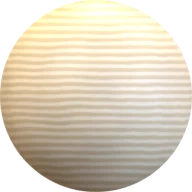
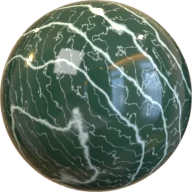
These are the preview balls the dial shows, rendered from the materials themselves.
Showing 16 Stone & Marble styles
- Black Galaxy Granite
- Calacatta Gold
- Carrara Marble
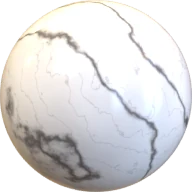
- Classic Terrazzo
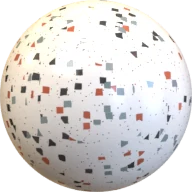
- Dark Terrazzo
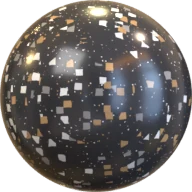
- Grey Granite
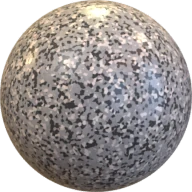
- Limestone
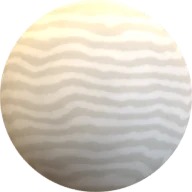
- Nero Marquina
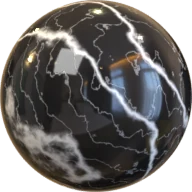
- Pastel Terrazzo
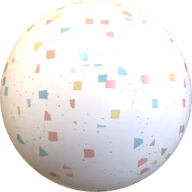
- Pink Granite
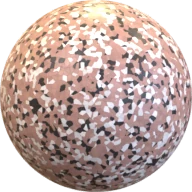
- Quartz Worktop
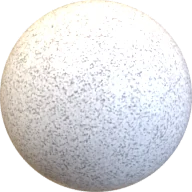
- Rosso Levanto
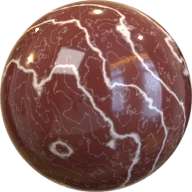
- Sandstone
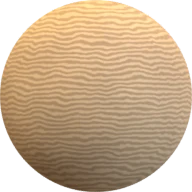
- Slate
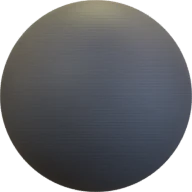
- Travertine
- Verde Guatemala
Inside Blender
The dial: families on the outer ring, pages inside, value knob in the centre. Type while hovering to search every style. The full panel lives in Sidebar (N) → Palette.
Install in a minute
Download
Grab procedural_palette-0.2.0.zip from the Releases page. Keep it zipped.
Install from Disk
Edit → Preferences → Get Extensions, open the menu at the top right and choose Install from Disk.
Open the dial
Press Shift+Alt+M in the 3D Viewport and click a family to apply a style.
Needs Blender 4.2 or newer, tested on 5.2 LTS. Windows, macOS and Linux.
How it works
Plain node groups you can open in the shader editor. This is the whole graph.
Texture Coordinate ─► object scale ─► Mapping ─► PP Surface (pattern group)
                                                    │
                                     PP Detail (optional overlay)
                                                    │
                                     PP Finish (weathering + displacement)
                                                    │
                                        Principled BSDF ─► Material Output
Changelog
- v0.2.0
- New radial viewport dial with search, value knob and a movable header
- Preview thumbnails for every style and detail overlay
- Shared node groups now upgrade safely when the add-on updates
- v0.1.0
- First release: 122 styles, weathering, Real Depth, library and baking
Known limitations
- Edge wear is strongest in Cycles. EEVEE only gets the occlusion-based part of the edge detection.
- Real Size mapping stores the object's scale when applied. After rescaling, press Mapping → Sync Object Scale.
- Wood grain runs along the object's X axis and bark along Z. Neither follows curved geometry yet.