Open Skin
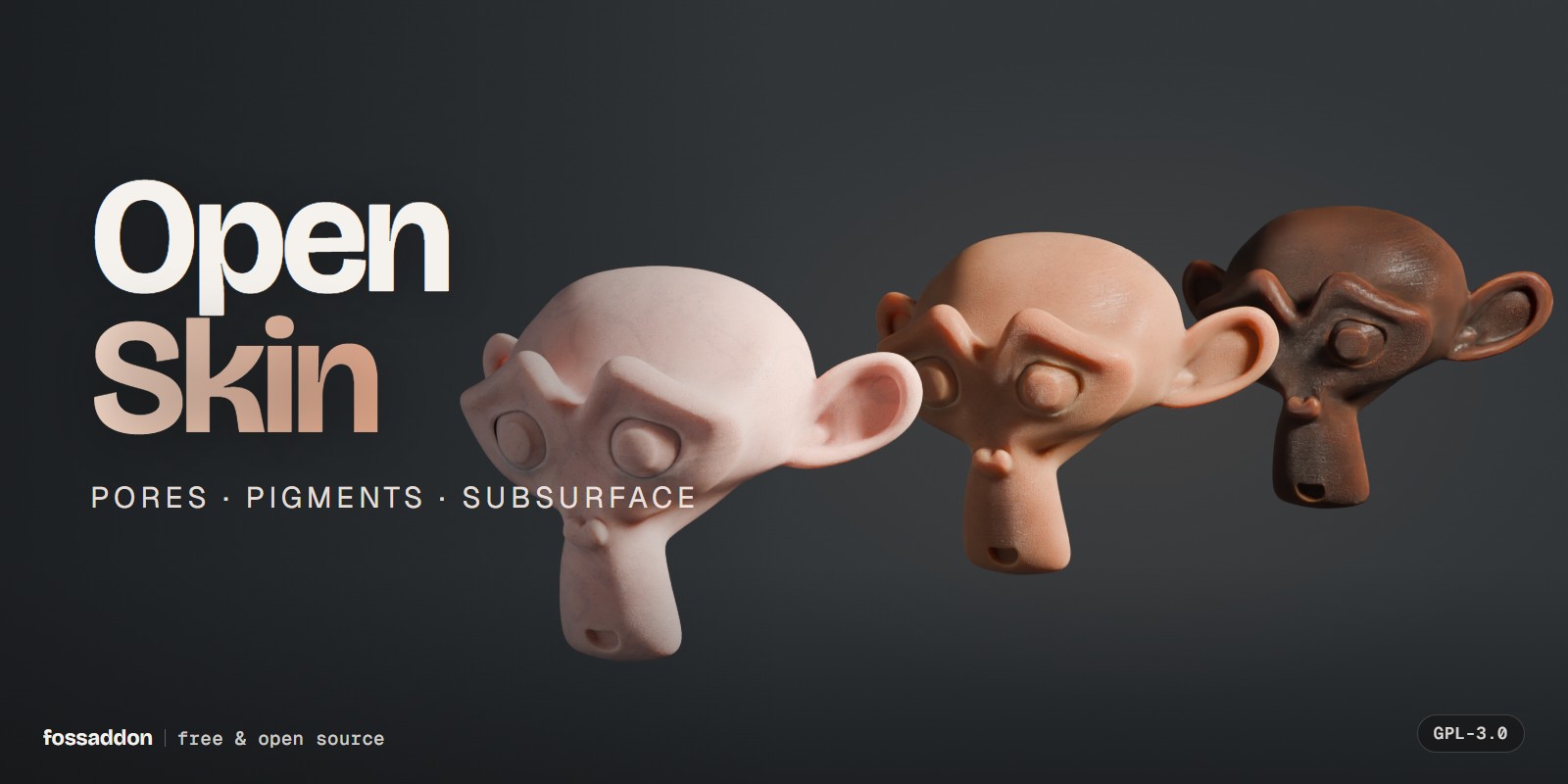
Pores, micro-relief, forehead lines, freckles, pimples, veins, makeup, oil and sweat, on a melanin and haemoglobin colour model with random-walk subsurface. Match it to a photo, place face zones automatically and bake it all to maps in one click.
- Version
- 0.2.0
- Blender
- 4.5 or newer
- Engines
- Cycles & EEVEE
- License
- GPL-3.0
What it does
Colour from pigments, not paint
Eumelanin, pheomelanin and two kinds of haemoglobin each absorb light with their own spectral weights. Every tone from porcelain to deep comes out naturally.
Detail in real millimetres
Two layers of pores, the micro-relief network of fine grooves, bumps, wrinkles, moles and sweat droplets. Cavities darken the colour and block specular.
Lines, freckles, pimples, makeup
Forehead creases with a little blood at the bottom, clustered freckles, pimples with whiteheads, and foundation, blush, eyeshadow and lipstick.
Match a reference photo
Pick a close-up of skin. Open Skin removes the lighting, inverts the colour through the pigment model and measures blotchiness, freckles, pores and shine. Locally, with numpy.
Auto face masks you can paint
Forehead, nose, cheeks, lips, eyelids and chin are estimated from the head's shape. Every effect has a mask with its own paint button.
Bake every layer to maps
One click bakes normal, albedo, roughness and cavity, wires them back in and switches the shader to them, for fast renders and real-time engines.
10 tones
Each tone is a mix of pigments, not a colour pick, so lighting and subsurface stay right from porcelain to deep.
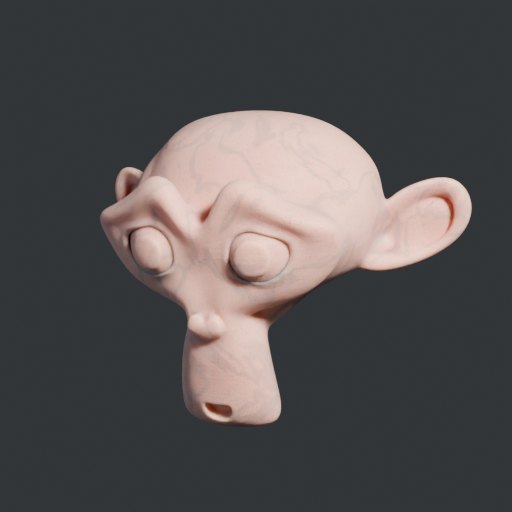
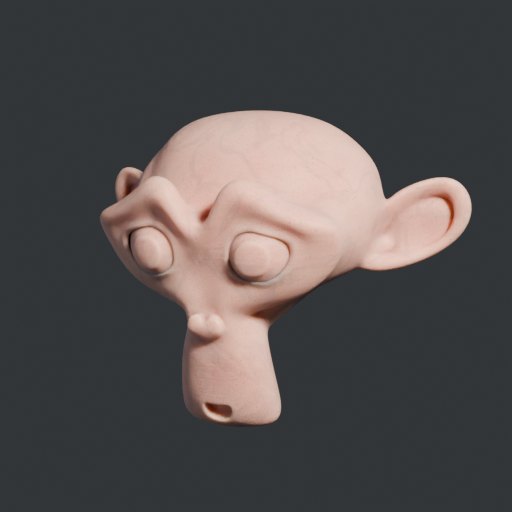
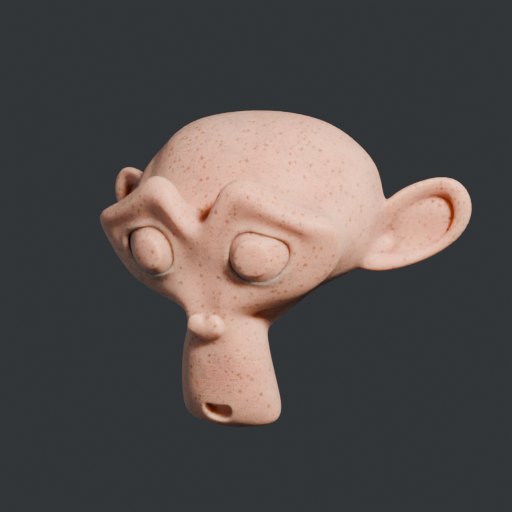
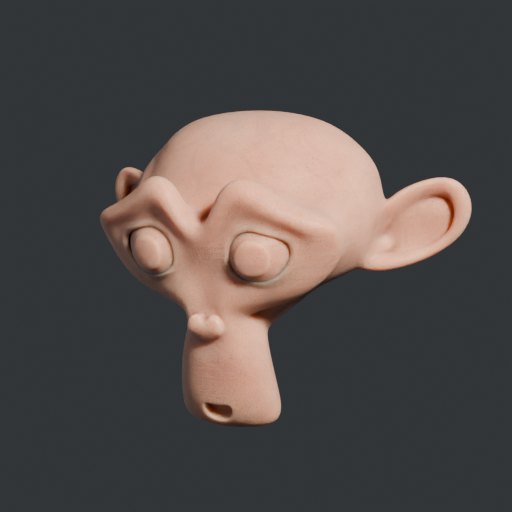
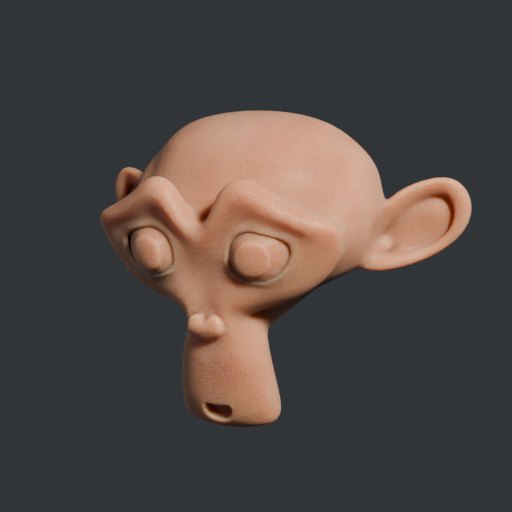
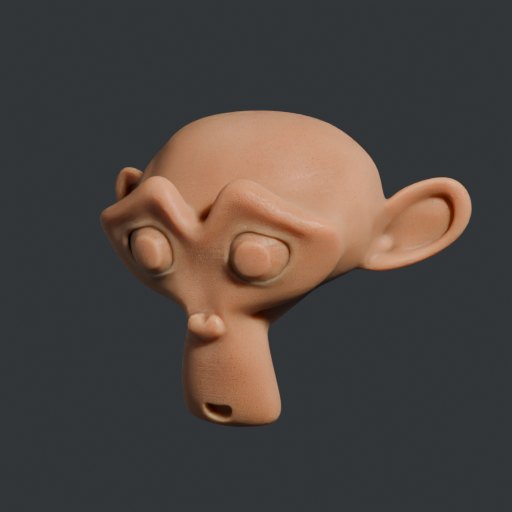
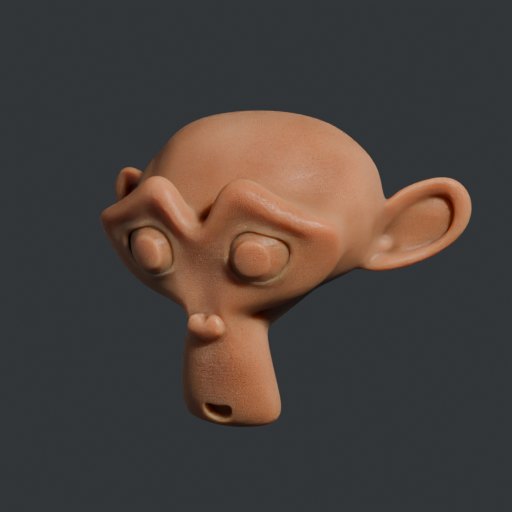
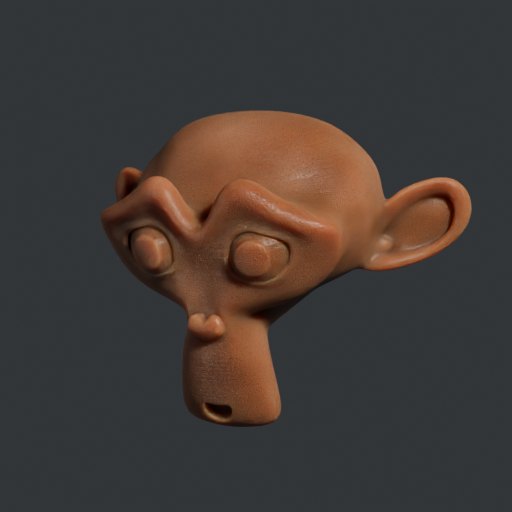
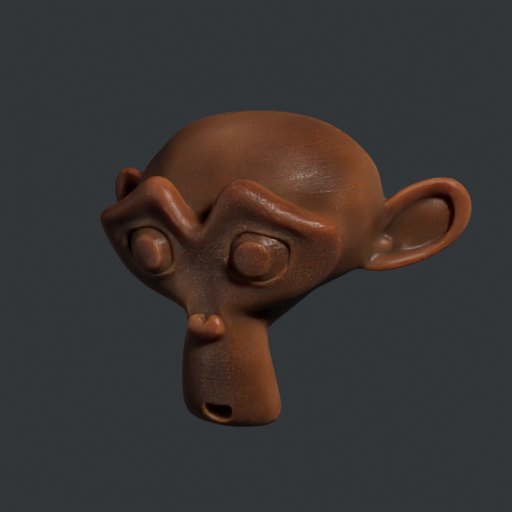
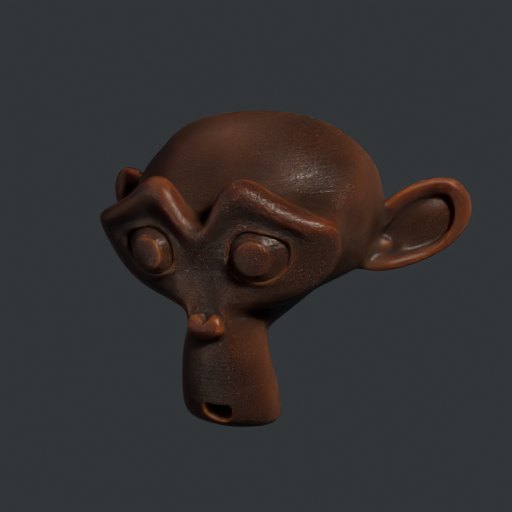
10 conditions
The Light tone through every condition. Tones, conditions and makeup combine freely.
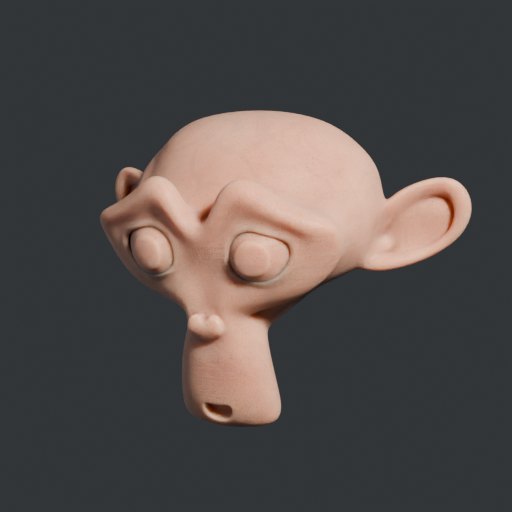
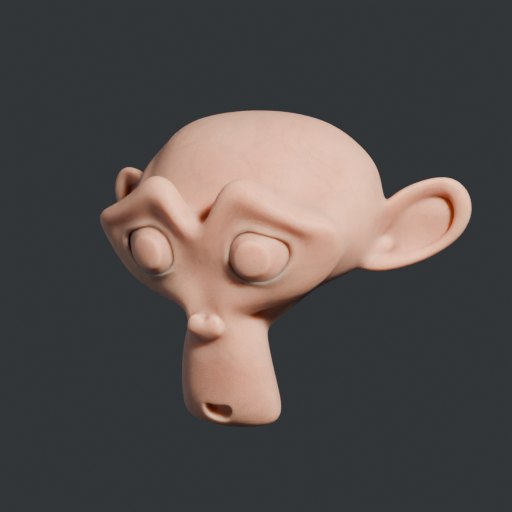
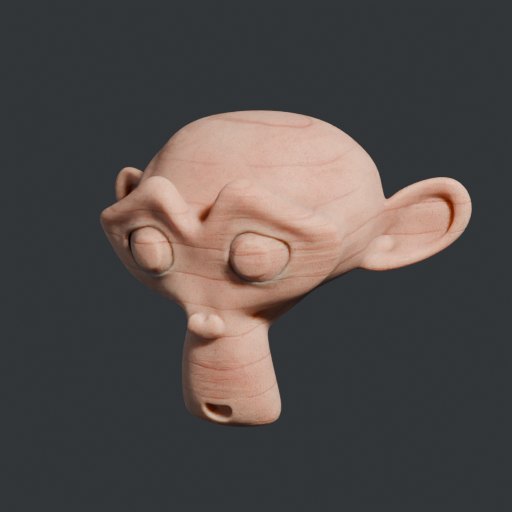
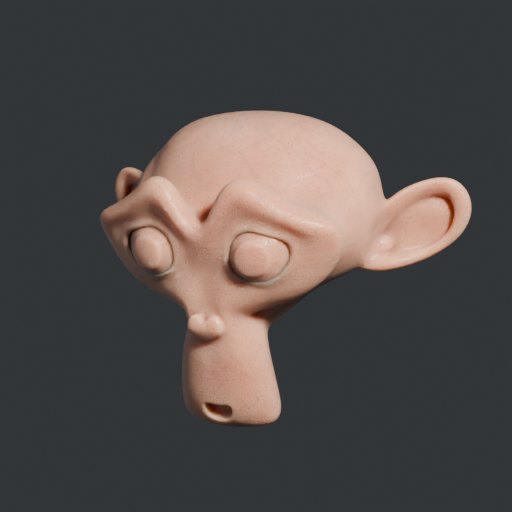
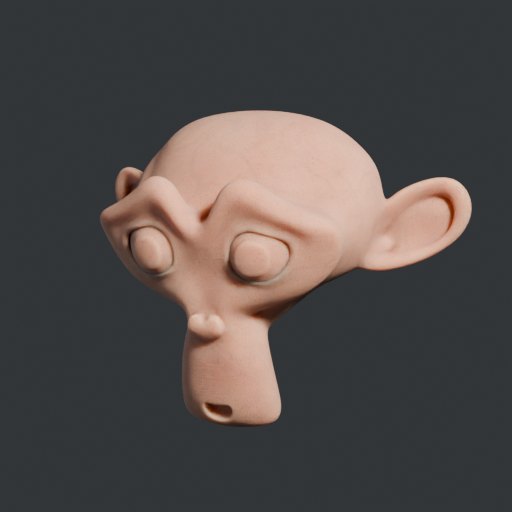
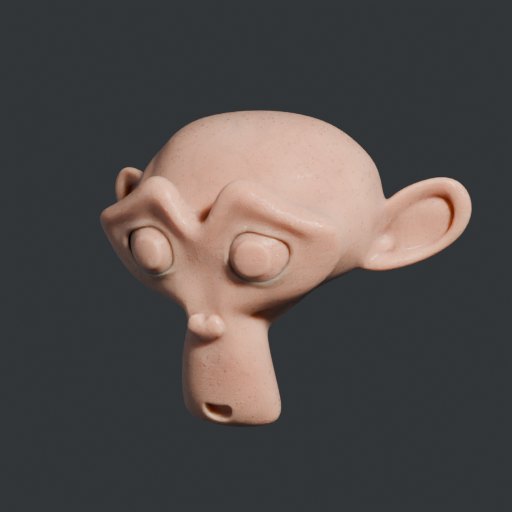
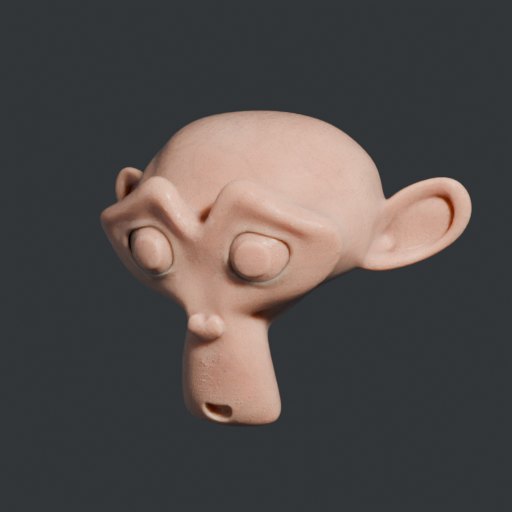
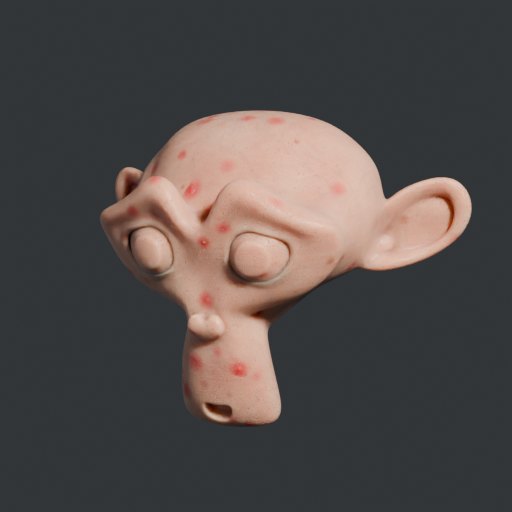
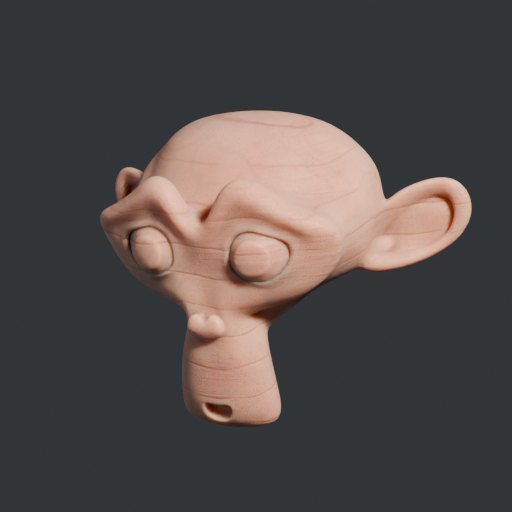
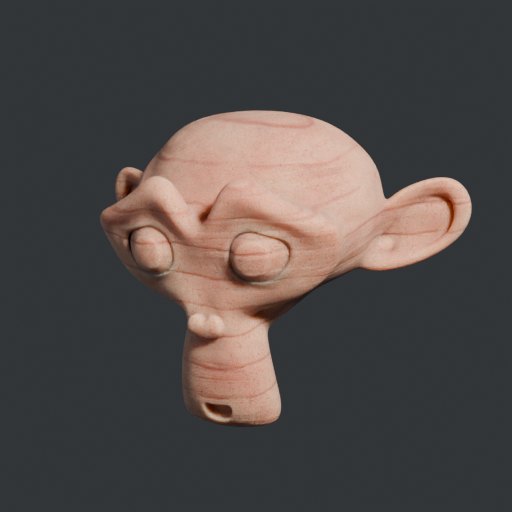
Rendered with Open Skin
About 3 cm of cheek: pores, micro-relief and subsurface. Forehead lines, freckles and pimples, placed by Auto Face Masks. Natural, Young, Aged, Oily, Matte / Sweaty, Wet, Acne, Expressive, Weathered. Normal, albedo, roughness and cavity, baked at 2K.
Install in a minute
Download
Grab open_skin-0.2.0.zip from the Releases page. Keep it zipped.
Install from Disk
Edit → Preferences → Get Extensions, open the menu at the top right and choose Install from Disk.
Add skin
Select a mesh and choose Object → Add Skin Material, or use Sidebar (N) → Skin. Pick a tone, a condition and a makeup look.
Needs Blender 4.5 or newer, tested on 5.2 LTS. Windows, macOS and Linux.
How it works
Plain node groups you can open in the shader editor. This is the whole graph.
Texture Coordinate (object or UV, in mm) ─► Open Skin (node group)
   │  pigments: eumelanin · pheomelanin · oxy/deoxy haemoglobin ─► albedo
   │  detail: pores · micro-relief · bumps · wrinkles · lines · pimples ─► normal, cavity
   │  makeup: foundation · blush · eyeshadow · lipstick
   │  masks: colour attributes (regions, features, makeup), paintable
   ▼
Principled BSDF: Random Walk (Skin) SSS · dual specular · sheen ─► Material Output
   │
   └─ Bake ─► normal · albedo · roughness · cavity ─► Use Baked Maps
Changelog
- v0.2.0
- Forehead lines, pimples, rebuilt freckles and a makeup layer with 5 looks
- Match Reference Photo and Auto Face Masks
- Paintable feature and makeup masks, Auto UV Unwrap for baking
- New Acne and Expressive conditions
- v0.1.0
- First release: pigment colour model, pores, micro-relief and random-walk SSS
- One-click baking of normal, albedo, roughness and cavity
- 10 skin tones and 8 conditions
Known limitations
- Detail sizes are in millimetres, so a head should be about 20 cm across. After rescaling, press Mapping → Fit to Object Scale.
- Deforming characters need Use UV Coordinates, or the detail swims through object space.
- Auto Face Masks expect an upright head facing -Y; mask resolution follows the mesh's vertex density.
- Match Photo estimates amounts, not sizes: a photo's scale in millimetres is unknown.