Open Shadow
Cast the shadow of a window, blinds, leaves, ferns, a palm, a lattice or a rose window onto your scene with one click. Every pattern is procedural, sharp at any size and fully editable.
- Version
- 0.1.0
- Blender
- 4.5 or newer
- Engines
- Cycles & EEVEE
- License
- GPL-3.0
What it does
A real gobo, inside Blender
Each shadow light is a lamp with a hidden plane in front of it. The plane only blocks light, so shadows fall exactly where a real one would.
Windows, plants and screens
Window frames, blinds, lattices, honeycomb, Moroccan stars, leaves, ferns, palms, bamboo, branches, vines, webs, broken glass and curtains.
Stained glass casts colour
Rose and gothic windows tint the light that passes through them in Cycles. Add haze and the beams glow in the air.
Focus and softness, like real light
Move the pattern towards the lamp for soft, out-of-focus shade, or away for crisp lines. Softness is simply the lamp's size.
Endless variations
Every pattern has its own sliders and a seed. Scale, rotate, flip, tint or invert it, or drop in your own black and white image.
Files that keep working
Python-free drivers keep the pattern sized to the lamp, so scenes render without the add-on and without auto-run scripts.
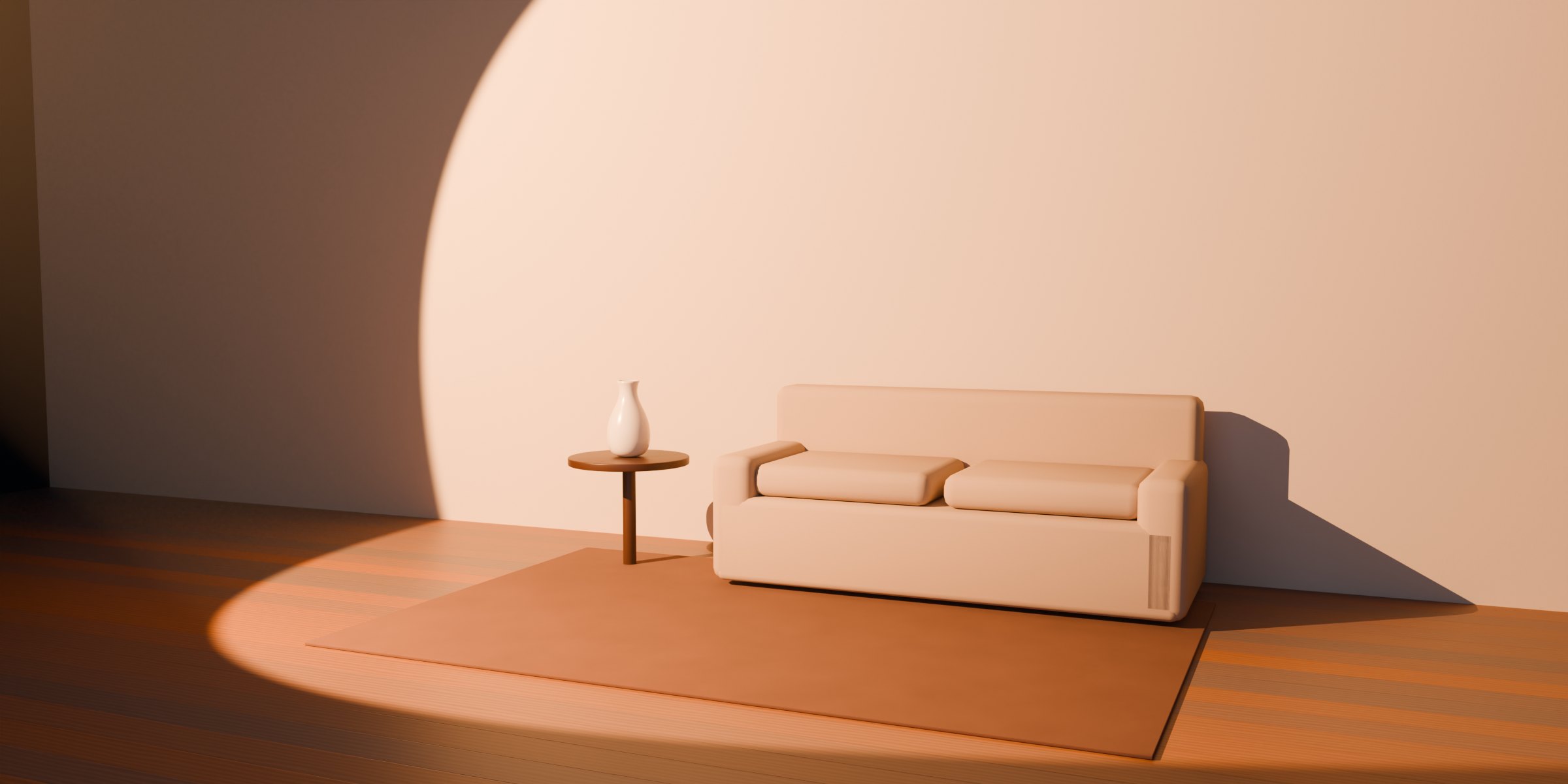
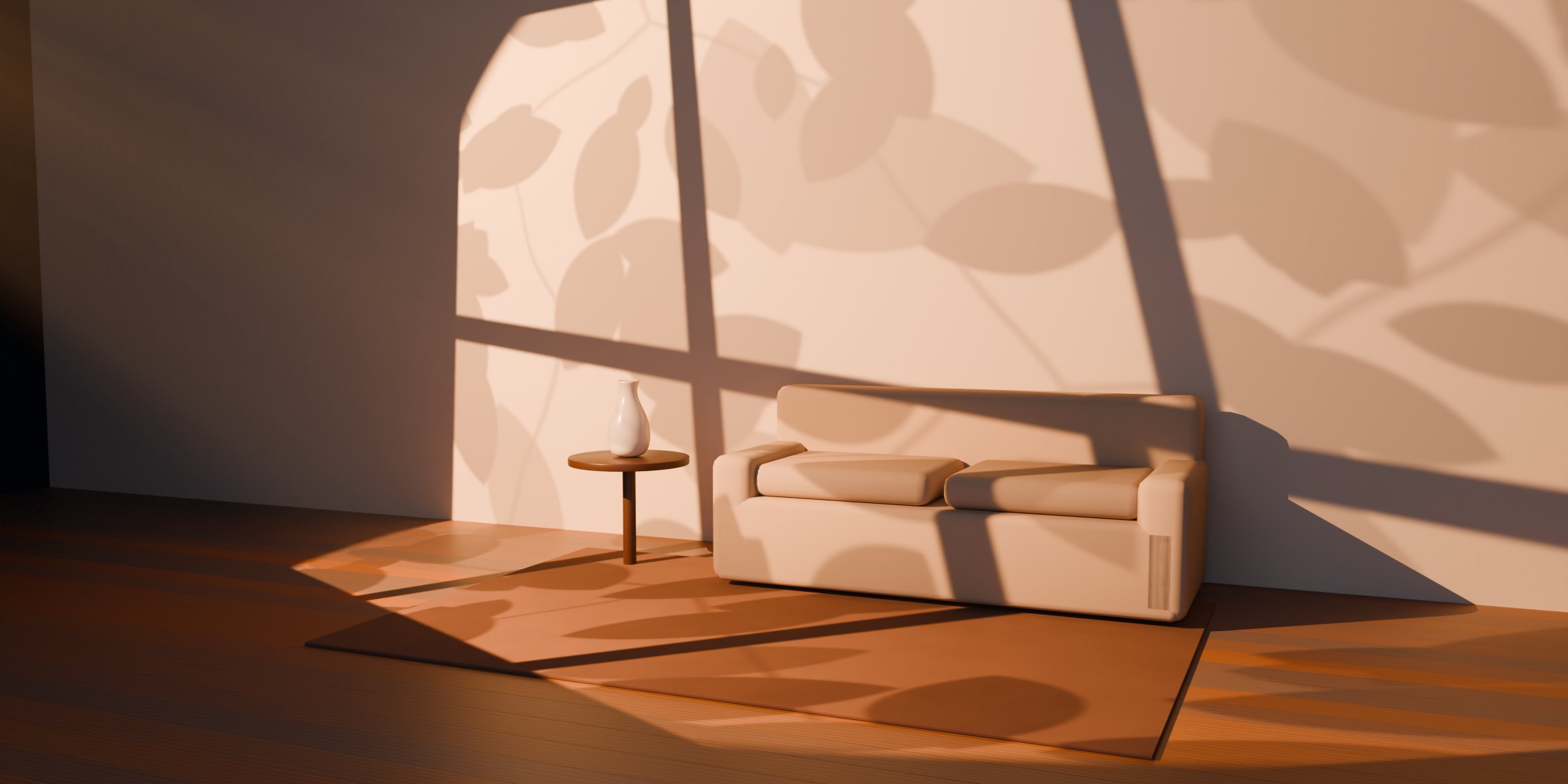
Same lamp, one pattern
A plain spot light on the left. The same light with the Window and Leaves preset on the right. Drag to compare.
Try a pattern
Pick a preset to cast it on the wall, then change the light, the softness and the angle.
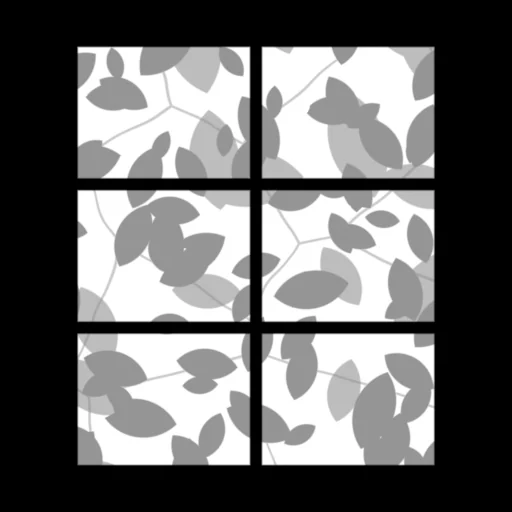
A browser preview of the 60 presets. In Blender each one is a live node group with its own sliders and a seed, and the shadow follows your geometry.
Rendered with Open Shadow
Window and Leaves on a warm spot lamp, with a little haze. Stained Rose. The colour comes from the pattern itself. Half-Closed Blinds, rotated, for a film-noir key light. Palm on a terracotta wall. Moroccan Screen across zellige tiles. Bamboo on washi paper walls. The preset gallery and every setting live in Sidebar (N) → Shadow.
Install in a minute
Download
Grab open_shadow-0.1.0.zip from the Releases page. Keep it zipped.
Install from Disk
Edit → Preferences → Get Extensions, open the menu at the top right and choose Install from Disk.
Cast a shadow
Sidebar (N) → Shadow. Pick a preset and a lamp type, then press Add Shadow Light.
Needs Blender 4.5 or newer, tested on 5.2 LTS. Windows, macOS and Linux.
How it works
Plain node groups you can open in the shader editor. This is the whole graph.
Lamp (Spot, Area, Sun or Point)
  │  drivers: distance ─► plane Z, spot cone ─► plane size
  ▼
Shadow plane (hidden from camera and reflections, casts shadows only)
  │
Texture Coordinate ─► OS Transform ─► OS <Pattern> ─► OS Finish ─► Transparent BSDF
                      scale, rotate     25 patterns    strength,      colour = light
                      offset, flip      or an Image    invert, tint,  that gets through
                                                       iris
Changelog
- v0.1.0
- First release: 25 procedural patterns and 60 presets
- Spot, Area, Sun and Point lamps in Cycles and EEVEE
- Coloured stained glass, custom images and world haze
Known limitations
- EEVEE shadows are grey, so stained glass only casts colour in Cycles. See-through parts are dithered in EEVEE and smooth out with more samples.
- A Point lamp only gets the pattern on the side facing the plane; the rest of its light is unshaped.
- Patterns are stylised, not photo scans. Use the Image pattern for a specific real-world gobo.